
Create with xTool · Supported by TEC
Explore xTool.
Choose how
you create.
More ways to turn an idea into something you can hold.
Compare cutting, engraving, fabrication, and apparel equipment. Find the process for your projects, then build your setup with Technology Education Concepts.
Classrooms · Makerspaces · Creative businesses
01 / Cut & build
A clean cut. A bigger idea.
CO₂ cutting & engraving
Compare the working area and package contents. Both platforms support clear acrylic cutting.

Larger-format CO₂
P3
Larger sheet-material projects, signage, and prototypes.
80W CO₂ · 915 × 458 mm
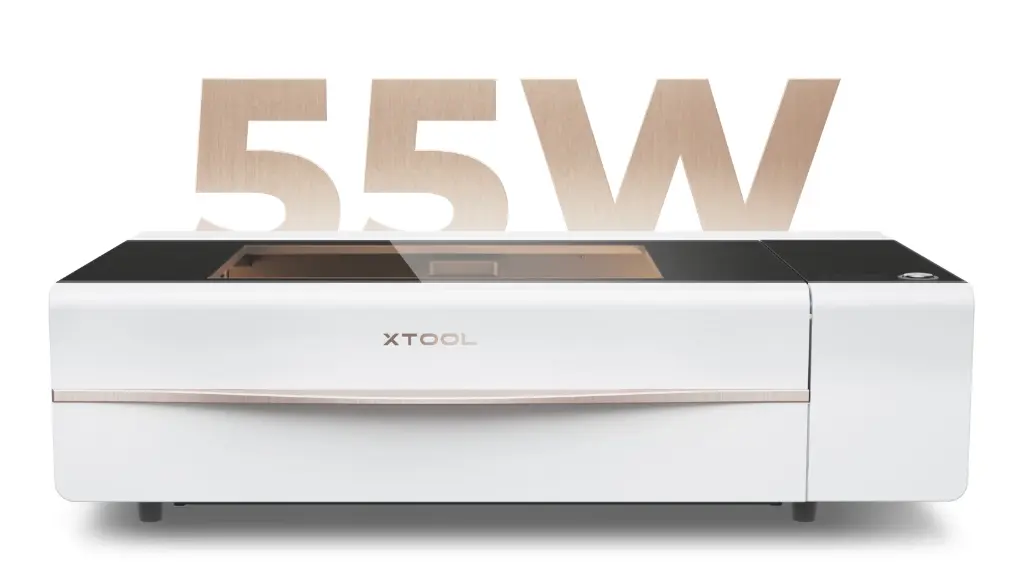
Desktop CO₂
P2S
Desktop cutting and engraving for compatible wood and acrylic projects.
55W CO₂ · 600 × 305 mm
02 / Engrave & personalize
Make every piece your own.
Engraving & personalization
Choose the laser sources and accessories for your materials.
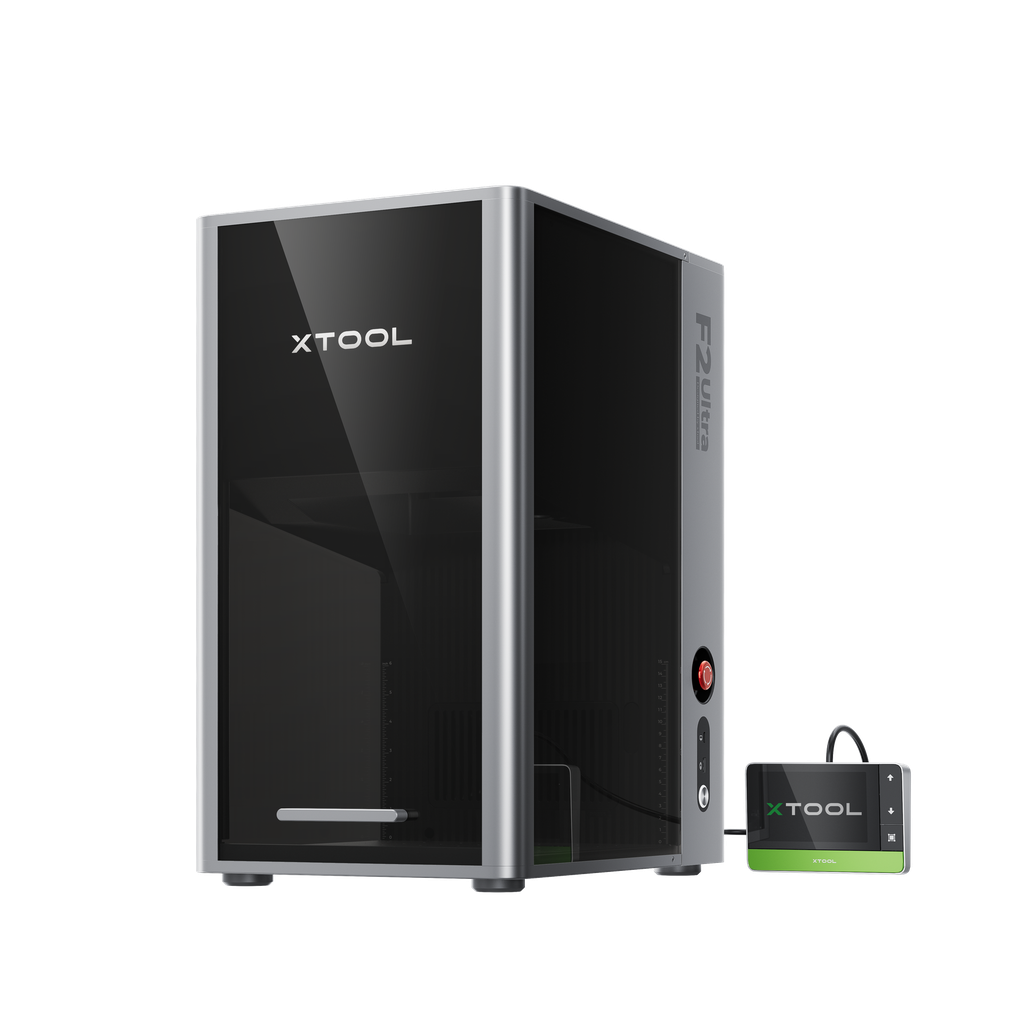
F2 Ultra configurations share a 220 × 220 mm internal working area. Material finish and settings determine engraving and color-marking results.
Option 01
F2 Ultra dual laser
60W MOPA + 40W diode. For suitable metal engraving and compatible diode-material projects.
Option 02
F2 Ultra MOPA only
60W MOPA. A metal-focused configuration without the 40W diode laser.
Option 03
F2 Ultra production packages
Compare conveyor and Deluxe options for repeated pieces and batch workflows.
03 / Fabricate metal
From a flat sheet to your next build.
Metal fabrication
Compare combined MetalFab systems and welder-only equipment.
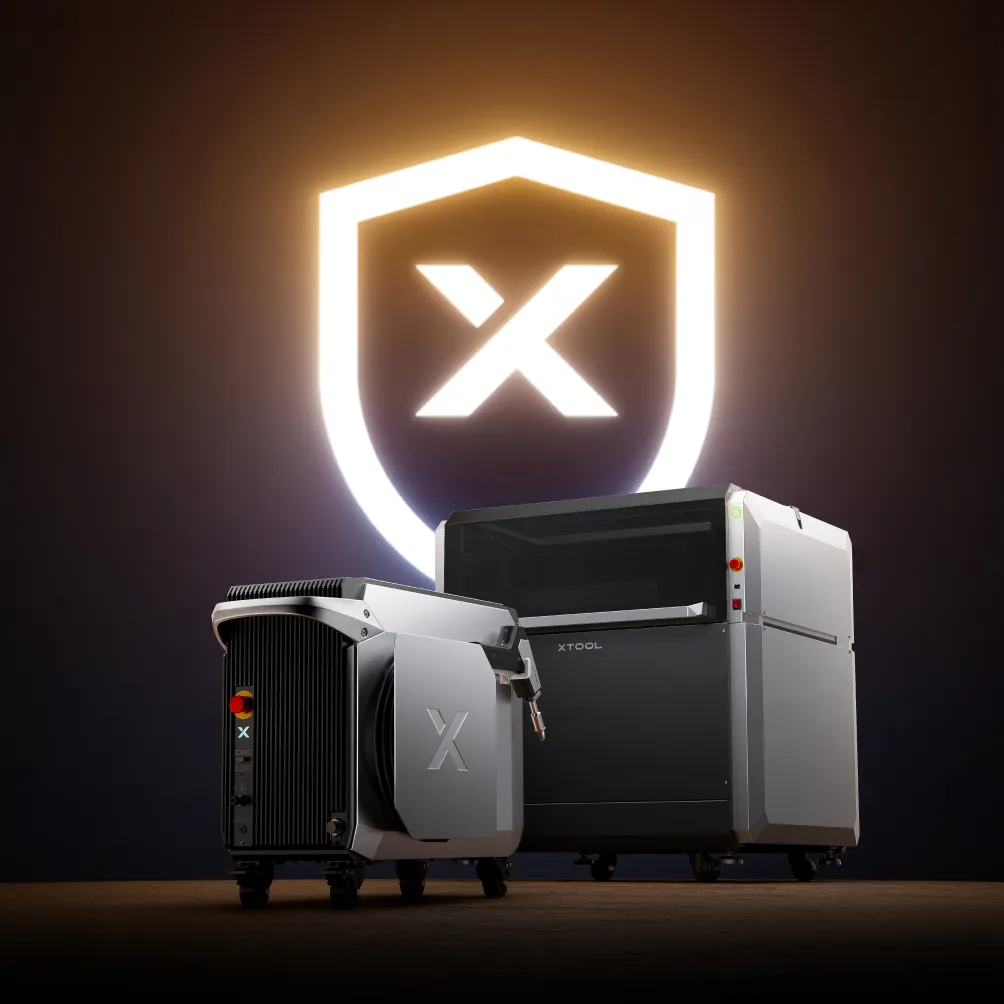
The CNC cutter has a 610 × 610 mm internal working area. Select power around alloy, thickness, and workflow. Review extraction, gas or compressed air, laser safety, and operator training with TEC.
Option 03
Welder-only systems
Compare 800W and 1200W options without the CNC platform.
The CNC cutter-only option requires a compatible laser source.
04 / Print apparel
Wear the idea.
Apparel printing
A separate DTF workflow for full-color garment transfers.
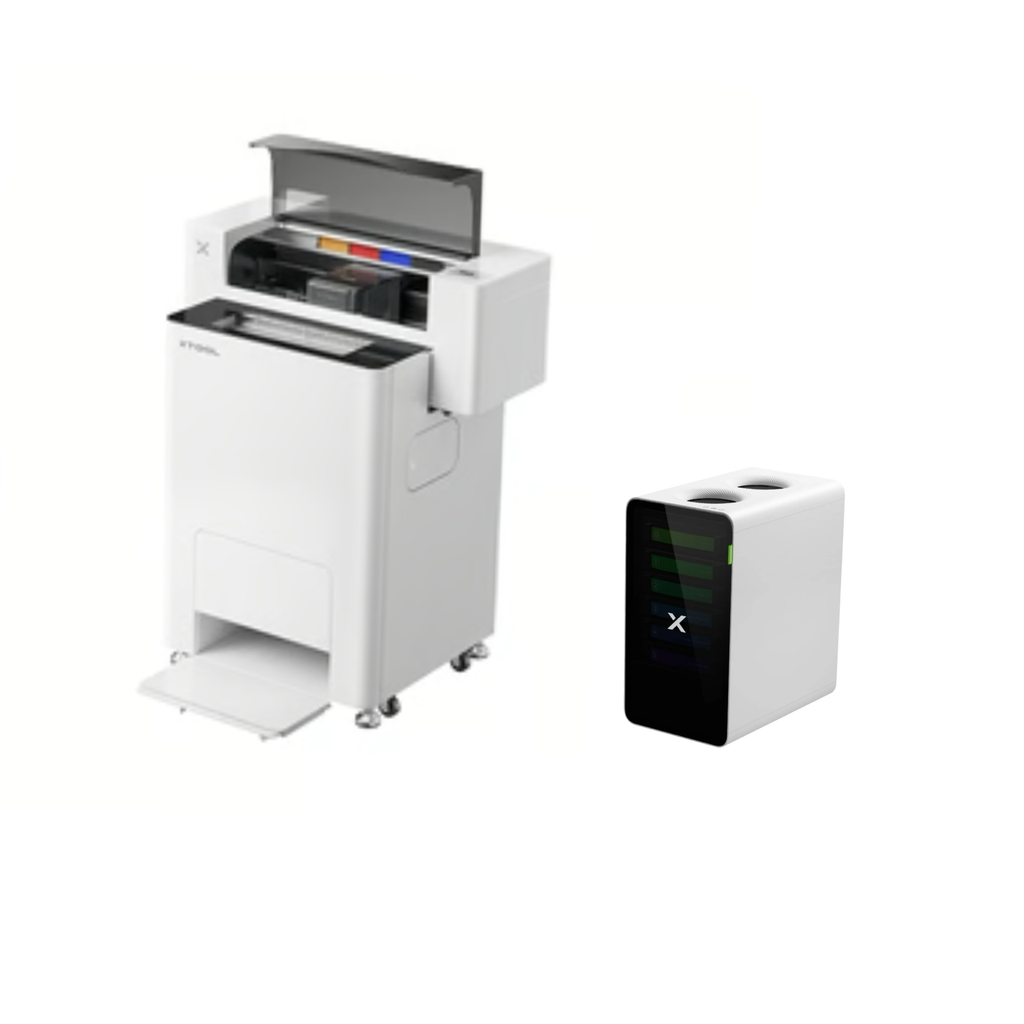
Apparel Printer Plus All-in-1 Bundle
Print a transfer, prepare it, and apply it to a compatible garment with a heat press. Confirm finishing equipment, consumables, and heat-press requirements with TEC.
Create your artwork.
Produce and prepare the DTF transfer.
Apply it to a compatible garment.
Additional models
For existing equipment or a different budget, we also have S1 education bundles, F1 Ultra, and P2. Ask us to compare these with the options above.
Technology Education Concepts
Choose your setup with TEC
Equipment guidance, training, and support from Technology Education Concepts.
Equipment selection
Review materials, part sizes, utilities, extraction, and accessories.
Discuss Your SetupService & support
Share your model, serial number, and symptoms to start a support discussion.
Request Support