Skip to Content
WAZER

Waterjet cutting · Explore with TEC

Your design.
Real materials.
Cut with water.

Bring CNC waterjet cutting into your classroom, makerspace, or workshop.

Turn flat stock into functional parts, creative details, and hands-on learning projects with WAZER Desktop and WAZER Pro.

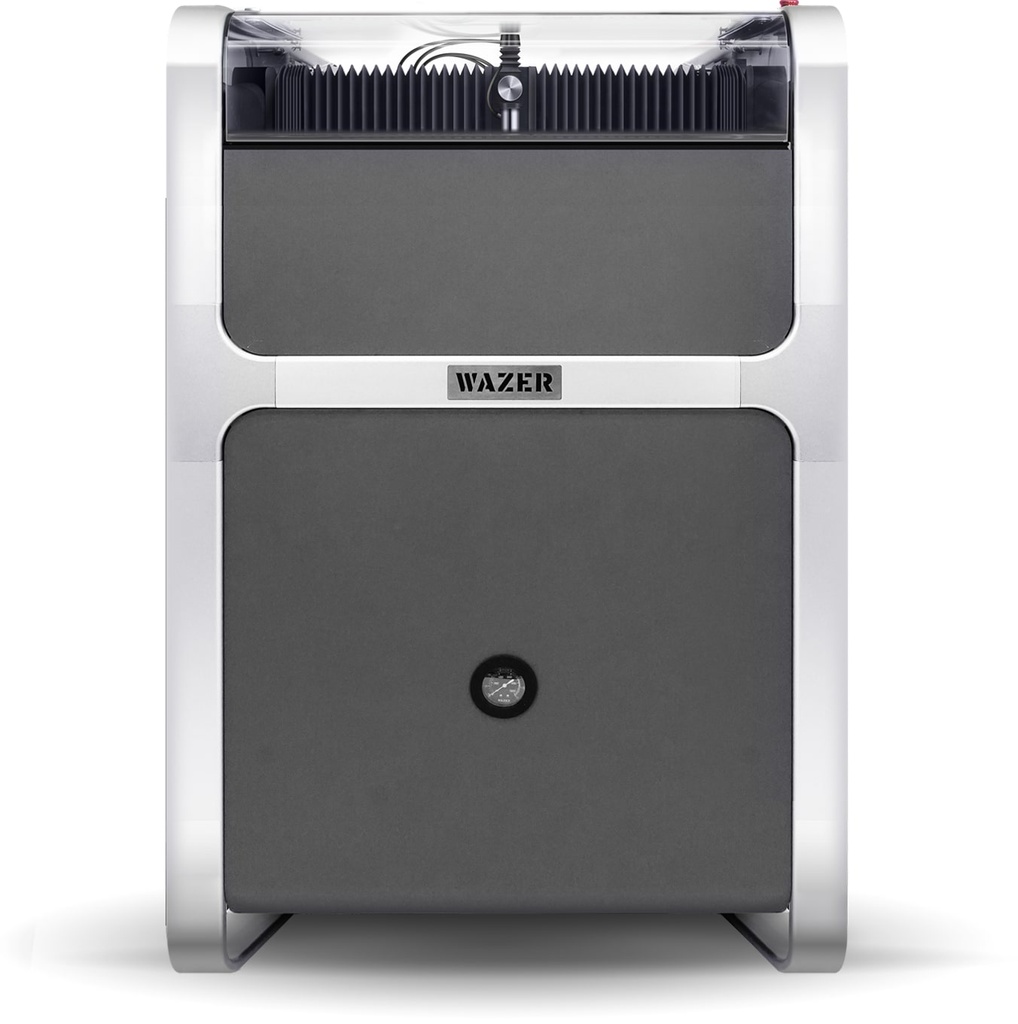
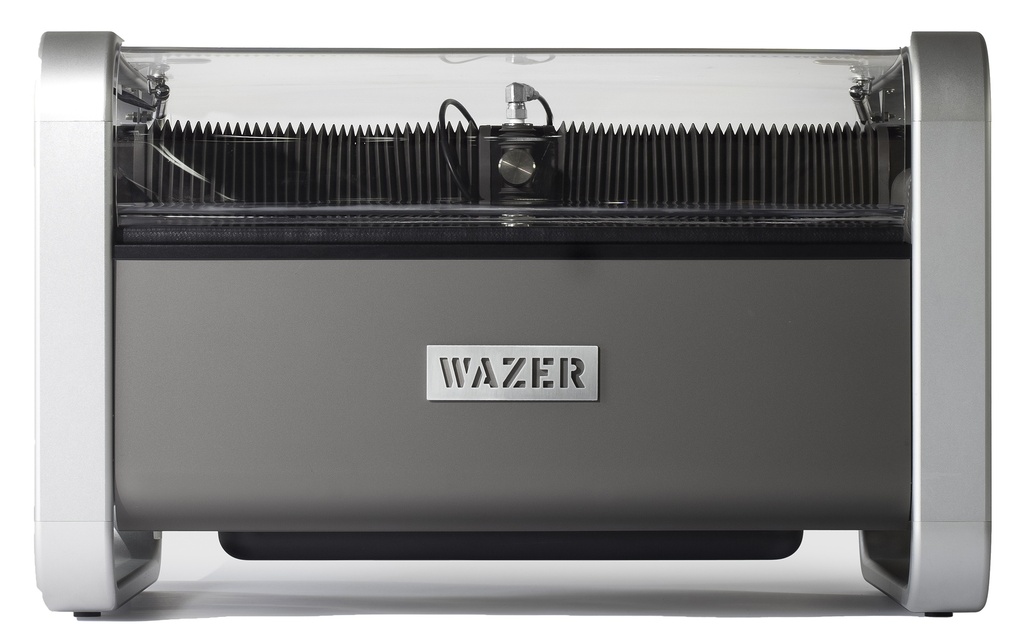
WAZER Pro enclosed CNC waterjet cutter

WAZER Pro shown. Explore both machine options below.

01 / Start with the material

More ways to make.
One cutting process.

Abrasive waterjet cutting uses water and garnet to remove material without a heat-affected zone. Match the material, thickness, and cut quality to your project.

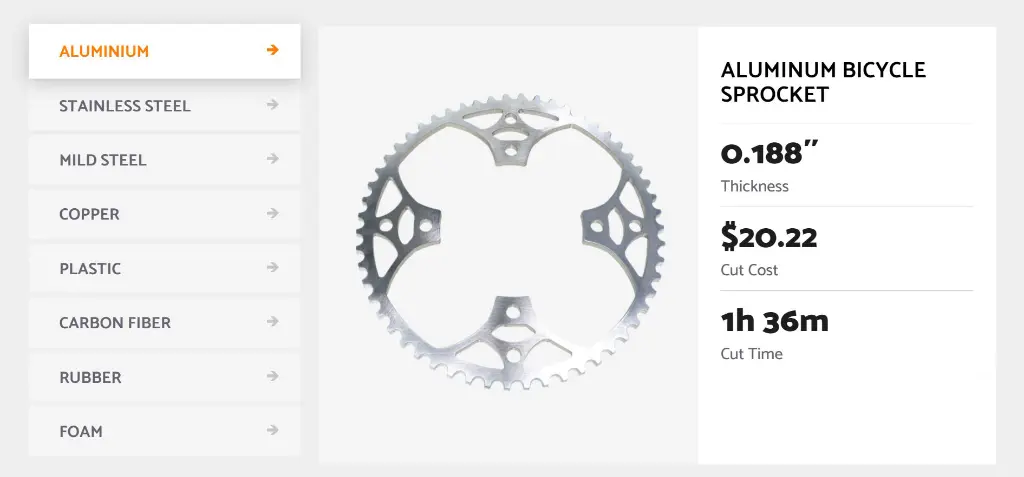
WAZER metal cutting example and manufacturer reference data

Metal

Prototype brackets, gears, and fixtures in sheet metal.

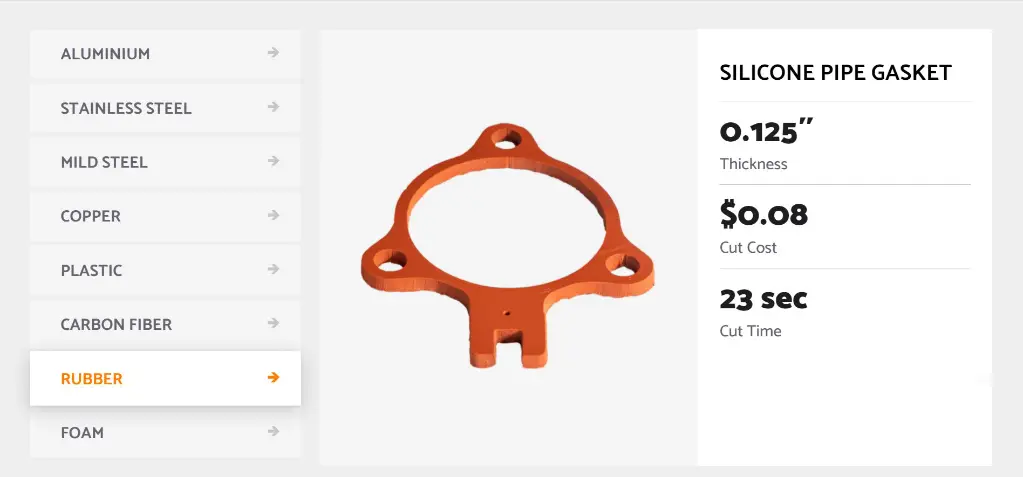
WAZER rubber cutting example and manufacturer reference data

Rubber

Explore gaskets, seals, and flexible profiles.

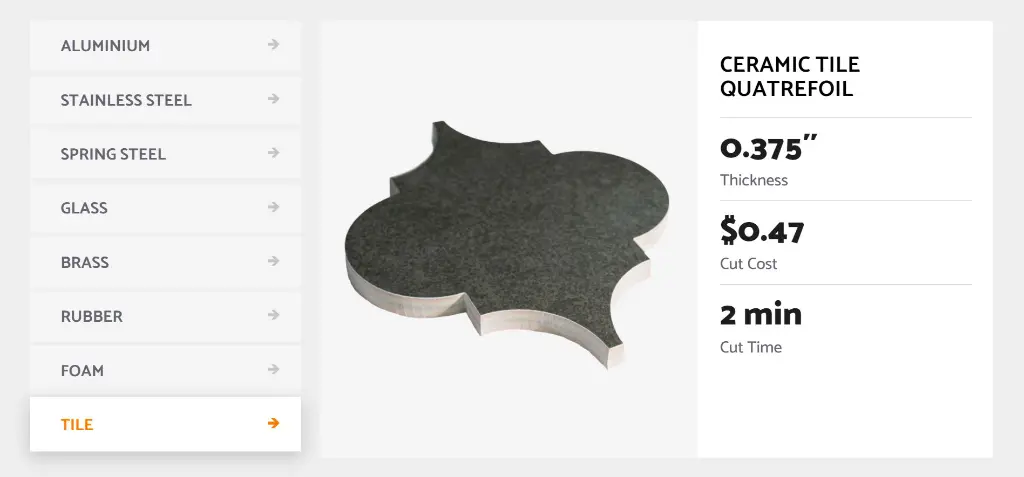
WAZER tile cutting example and manufacturer reference data

Tile

Create geometric inlays and custom decorative shapes.

02 / Choose your waterjet

Two machines.
Different demands.

Choose around the materials you cut and the time you spend cutting.

Compact CNC cutting

WAZER Desktop waterjet cutter

WAZER Desktop

A compact entry point for waterjet projects, with a separate pump box and a choice of tabletop or stand-equipped configurations.

Cutting area12 × 18 in
Hydraulic power0.82 kW
North American power110V / 60Hz
Abrasive refill intervalUp to 60 minutes of cutting

For more demanding cutting

WAZER Pro waterjet cutter

WAZER Pro

More hydraulic power for faster cutting and thicker materials, with the pump integrated into a floor-standing machine.

Cutting area12 × 18 in
Hydraulic power2.1 kW
North American power220V / 60Hz
Abrasive refill intervalUp to 90 minutes of cutting

Refill intervals refer to abrasive supply, not unattended operation. Verify the electrical supply and selected machine configuration before ordering.

Match the job to the machine

What does
Pro change?

Both machines share the same cutting area. Pro adds cutting power and a different abrasive collection system.

Selected manufacturer specifications. Thickness limits vary by material.
CapabilityDesktopPro
Maximum aluminum thickness0.5 in1.0 in
Maximum mild / stainless steel thickness0.188 in0.375 in
Pump arrangementSeparate pump boxIntegrated
Used abrasive collectionAdditional cleaning cycles neededCollects used abrasive during cutting

03 / From drawing to part

A digital workflow.
A physical result.

01

Draw the part

Create a 2D profile in your preferred CAD or graphics software. Export a DXF or SVG file.

02

Prepare in WAM

Import the file into WAZER’s browser-based software. Set material, thickness, and cut quality; review time and abrasive estimates.

03

Set up and cut

Transfer the cut file by SD card. Secure your stock, complete the machine checks, and run the job according to the operating instructions.

WAM requires internet access. The waterjet runs its cut file offline. WAM software is free.

Technology Education Concepts

What do you
want to cut?

Tell us your material, thickness, and project goals. Let’s find the WAZER setup that fits.